To watch horse racing live for free in the USA, start with the racecourse’s official coverage and the official programmes linked by its organisers. Keeneland and NYRA provide clear routes to investigate; other players may have account, programme or location conditions. This guide helps you choose the right feed for a specific race, understand those conditions and follow the action from the paddock to the official result.
What free live horse racing actually includes
For a US racing fan, the most useful meaning of free is simple: a legitimate viewing route that does not charge you to watch the particular coverage you want. That might be a racecourse’s own player, an official YouTube programme or video included with an eligible account. Those routes are worth investigating before buying another subscription, but they do not all show the same races.
Ask three questions separately: Is there a viewing charge? Is a login required? Does this feed cover my race? A yes or no to one question tells you little about the other two. An open player can carry only one track. A free app can require an account. A channel already included in your television package can be convenient without being a free service for someone who does not have that package.
A track feed, a television programme and a replay serve different jobs
A direct racecourse feed is the first place to look when your priority is one specific runner or race. A television programme adds presenters, interviews and analysis, often moving between meetings. A replay lets you return to a completed race; it cannot tell you that the next race is being carried live. NYRA’s racing player, for example, lists separate programme, head-on and paddock viewing options.
Consider a fan waiting for Race 7 while a network show discusses another course. The discussion may be excellent, yet the immediate task is to find Race 7’s track feed and confirm the race has not already gone off. Conversely, someone learning to follow racing may get more from the programme’s explanations than from a silent interval on an individual feed. Choose the presentation for your purpose rather than judging it solely by whether the word live appears on screen.
Free viewing is different from a free betting account
TwinSpires describes its live racing as free with registration. That wording is useful, but it is not a promise that every viewer in every location can open the same account or use every feature. Treat the registration screen and current viewing terms as part of the decision, particularly if your interest is watching rather than wagering.
You do not need to place a bet to enjoy studying a race. Start with a public official option when one covers your meeting, then compare alternatives only if you need them. A deposit promotion is a separate offer, not evidence that a video is available without conditions. Keeping viewing access separate from betting eligibility avoids the common mistake of signing up for a product that solves a different problem from the one you brought to the page.
Start with the racecourse’s own viewing options
The racecourse knows which meeting it is staging and where its own video belongs. That makes its racing page a better starting point than a search result promising every race everywhere. Use the options below as routes to check, not as a permanent declaration that every player will open in every location.
| Racing you want | Start here | What to check |
|---|---|---|
| Keeneland | Official live-coverage page or linked YouTube channel | Race day and current meeting |
| Gulfstream Park | Official racing page | Selected feed and any viewing prompt |
| NYRA programme | Official television schedule and linked YouTube coverage | Programme window, channel changes and restrictions |
Keeneland’s race-day coverage
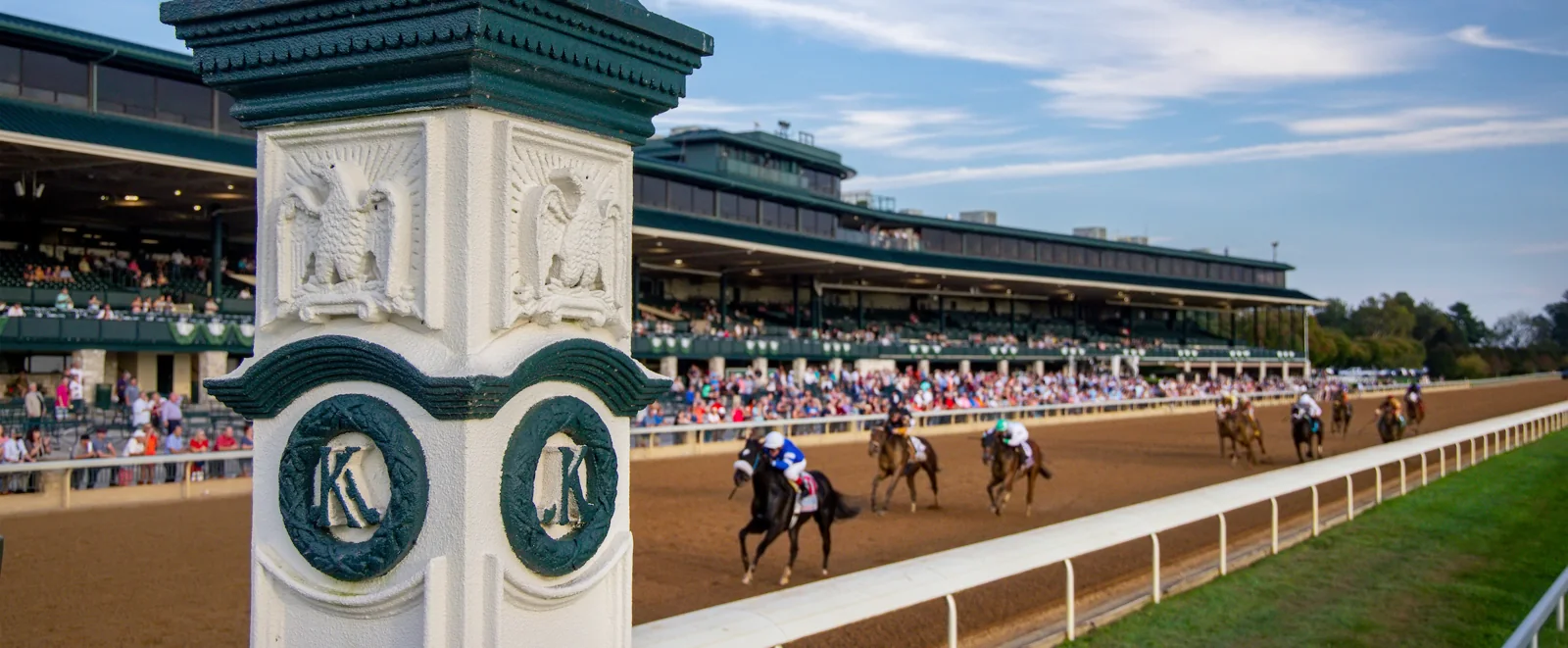
Keeneland is a particularly clear example of a course offering its own viewing route. Its live-coverage page directs fans to the website, the Keeneland Race Day app and its official YouTube channel, including full-card coverage. Its 2026 Spring Meet announcement expressly described the livestream as available at no charge.
The practical advantage is continuity. If you are following an earlier maiden as well as the featured stakes, a course-specific route is a sensible choice to investigate. A national programme may be built around a shorter window. Check the current meeting’s instructions rather than carrying a springtime timetable into the autumn or assuming the preview show’s start is the first race.
Also distinguish the Race Day app from Keeneland Select. They appear beside one another in the course’s information, but a fan looking for the race-day guide should not assume that opening a wagering account is the same task. Follow the official link for the product you intend to use.
Gulfstream Park’s live racing page
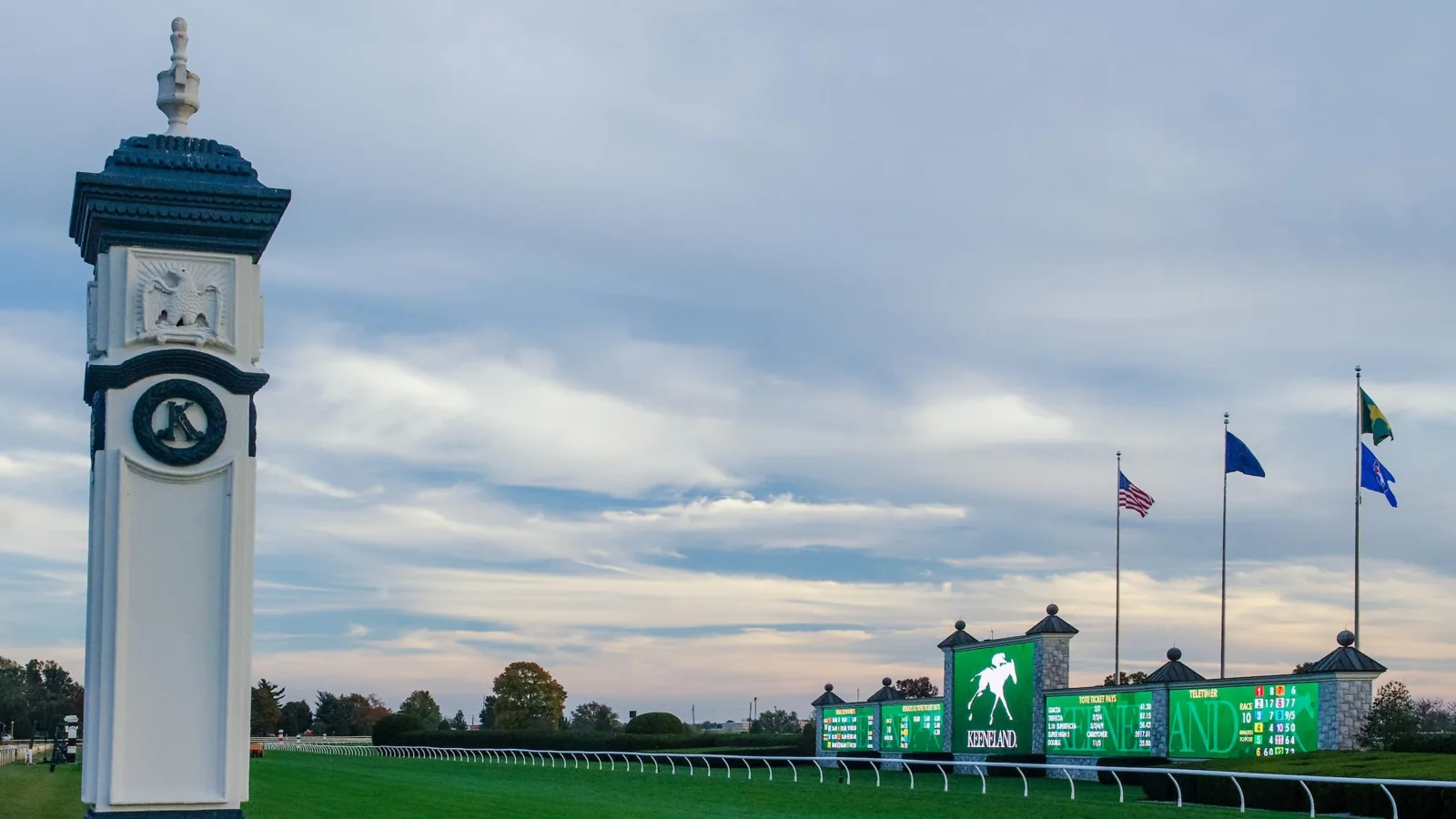
Gulfstream Park’s racing page presents a live-racing player alongside track and race information. It also displays login prompts for detailed race information. Read the wording on the part of the page you are using: an information prompt and a video-access condition are not automatically the same thing.
Confirm the date and the race number before deciding the feed is behind. An interval showing the course or a paddock can be the normal gap between races. If the available player gives you a specific access message, act on that message or select another advertised official route; do not take the presence of a play button as a guarantee that every feature is public.
NYRA’s television schedule and official YouTube channel
For America’s Day at the Races, use the NYRA broadcast schedule. It identifies FOX-family coverage and YouTube options, with times listed in Eastern Time and possible blackout restrictions. A programme can move between television channels during one afternoon, so a single channel name is not enough to plan the whole session.
NYRA’s current viewing notice says the NYRA Now app was discontinued on July 6, 2026. Older recommendations to install that app should therefore not be your starting point. Follow the current official YouTube and programme links instead, and distinguish NYRA.com’s account conditions from the instructions on the YouTube video itself.
The programme is useful when you want analysis as well as action. When your interest narrows to one named race, keep its track feed or race page handy too. That gives you a second way to check whether the horses are still in the paddock, loading or already returning after the finish.
Know which alternatives have viewing conditions
A free route is valuable only when it carries the racing you want. Once you have checked the course’s own coverage, compare the other options by access and programme rather than by brand recognition. Buying a general sports package to see one afternoon is a different decision from using a service you already have.
FanDuel TV and account-based racing services
FanDuel’s product page treats Racing, television and streaming products separately. Do the same when looking for a race. A result for TVG, a FanDuel television channel or a betting application may lead to different screens and different conditions. Read the current programme and access information on the route you actually choose.
That distinction matters especially when an older guide labels everything under one familiar name. A free-channel description does not establish that its programme is identical to another branded channel, or that it shows your entire card. If you cannot confirm a race on the current player or programme, keep your confirmed track route available instead of spending the run-up experimenting with similar-looking applications.
Account-based racing video can be useful for viewers following several meetings, but check whether registration, location or account eligibility affects your access. Ask the provider about viewing if its screen is unclear; do not assume that a wagering offer is a necessary step to watch. For a separately priced option, RTN lists subscription packages and available simulcasts. Compare the races you need before treating a broad catalogue as a reason to subscribe.
Major network coverage and paid streaming services
The biggest racing afternoons can have dedicated national coverage, while everyday cards follow a different pattern. The television schedule is the place to check an announced programme, then the broadcaster’s listing confirms which channel or streaming service you need.
Do not put Peacock in a no-cost viewing table simply because a race appears on its website. Its horse-racing page presents paid plans. Similarly, a live television bundle can add access to a channel without making the bundle free. If you already subscribe, using that access may be the easiest choice; if you do not, compare the official course coverage first.
For a race carried by a local over-the-air station, reception and the station’s actual listing still matter. For online viewing, use the broadcaster’s current access instructions. A national network name, a highlights clip and a paid livestream are three different things, even when all appear in the same search for the race.
Match the feed to the right race and local time
Use three identifiers together: racecourse, local racing date and race number. A meet is a period of racing at a course; a card is the set of races on one date; your target is one race within that card. Searching only for a famous meeting name can land you on last year’s video, while searching only for a race number can lead to the wrong course.
The today schedule helps you locate the races listed on this site. Then check the official course page for your chosen meeting. If a track is not listed here, use its own racing calendar rather than concluding it has no racing. The same discipline applies to streaming: no video in one directory does not prove there is no official viewing route.
Next, separate opening time, programme time, first post and the target race’s estimated post time. Keeneland’s visitor guide gives separate gate-opening and first-post information. Its video programme can begin earlier still. For a home viewer, gates opening is background context; the target race’s time and the player’s start are the useful reminders.
For example, suppose you want Race 6 and the card’s first race is at lunchtime. A lunchtime reminder should tell you to open the card and check the developing order, not assume Race 6 starts then. Set another reminder ahead of the listed target time, allowing space to check scratches and see the paddock. This is a planning example, not an instruction to infer later post times from a fixed interval between races.
Read the time-zone label and the course’s local date. A programme displayed in Eastern Time and a racecourse elsewhere may not use the same wall-clock time. If you are watching from overseas, your viewing date can also differ from the course’s race date. Keep the course’s date when selecting the video or result, even when your own calendar has rolled over.
Finally, use the free-viewing page for announced options and the TV schedule for programme windows. Recheck shortly before watching: a window tells you when a show is planned, not that every race in its span is guaranteed to appear.
Get more from the race than the finish-line shot
The reward for finding a reliable feed is being able to follow the race rather than spend the afternoon finding replacement links. Keep the programme beside the video and choose one or two things to watch. You can enjoy the contest without turning every observation into a bet or expecting the camera to explain every detail.
Read the programme before the horses reach the gate
Start with the race’s distance, surface and conditions, then identify the horses and riders you want to follow. Keeneland offers a complimentary digital programme; other courses may arrange their programmes differently. Check the current scratches and changes rather than assuming every horse in an earlier programme will run.
A simple watching exercise is to select a likely early participant and a horse you expect to settle farther back, then follow their positions. Did your expected leader actually reach the front? Was the runner behind travelling comfortably or being urged? Those are questions to observe, not conclusions to announce before the race. If a horse is scratched, rethink the picture rather than waiting for it to appear at the gate.
Give yourself time to identify the runner by name and number before the camera starts moving. Colours can help, but the programme is the better anchor for your notes. If you lose a horse in the pack, do not invent its journey from the final placing; leave that question for the replay.
Use the replay and official result together
A finish-line view gives the immediate excitement. A replay gives you another chance to study how the race developed, while the official result establishes the recorded outcome. The results page is a useful next stop for races listed on this site.
Equibase’s full-chart explanation describes points of call, fractional times, race conditions and footnotes. It also distinguishes free charts from subscription-based video replay access. A free result PDF should not be mistaken for a promise that the linked video is free too.
Use the chart to test an observation you made on screen. If a horse looked prominent early but finished farther back, examine its recorded positions and then watch the relevant part again. Keep observation separate from explanation: losing position is visible, but the reason may require more evidence. One camera angle does not settle every incident, and one race does not establish how a horse will perform next time. That restraint makes your viewing notes more useful than a confident story built around the winner alone.
What to check when a live stream will not play
Diagnose the screen you have, rather than treating every blank interval as the same fault. The useful first distinction is between a race-day question and a playback question. If the selected card has not begun, changing devices will not bring the horses out sooner. If the provider says your access is restricted, repeatedly refreshing will not change the programme’s rights.
The race has not started or the selected video is a replay
Check the meeting date, whether the course is racing that day and when the official coverage begins. A course can have a live-video page throughout the year without staging races every day. A search result can also send you directly to an old programme, particularly when the race or meet name repeats annually.
Look at the video title and date before looking at the comment activity. A lively discussion does not establish that the pictures are current. Compare the race number on screen with the race you intended to watch. If you are on an archive, move to the course’s current racing page or the official channel’s current live event.
If the player offers a return-to-live control, check whether you paused or moved backward earlier. That is different from the provider showing a replay within its live programme. Listen to the presentation and read the on-screen label: an analysis segment may deliberately repeat the previous finish before the next race. Do not infer the entire stream is delayed from one repeated clip.
A login, device or regional restriction is blocking access
Read any access message literally. A television-provider sign-in, a racing-account login and a subscription request represent different conditions. Use the credentials for the service named on screen, and confirm your account includes that viewing route. A regional blackout should lead you to another officially advertised option available to you, rather than a promise that an unrelated player can remove the restriction.
For ordinary video problems, YouTube’s own troubleshooting guidance recommends checking the connection, reducing resolution when necessary, updating the app or browser and checking whether extensions affect playback. For missing audio, check the player, browser and device volume. These steps address playback; they do not change a race’s viewing rights.
Before the horses load, try the simplest available test: can another current video on the same official service play on your device? If it can, your issue may be specific to the selected event or its access conditions. If it cannot, investigate your connection or application. This comparison narrows the problem; it is not proof of the cause.
When time is short, stop troubleshooting an uncertain route and use the alternative you already confirmed for that meeting. If none is available, follow the official result and watch a legitimate replay afterward. A race watched carefully later is more satisfying than an afternoon spent chasing a headline that promised a free feed without saying what it actually showed.
Join the conversation
Have a question or a race-day tip to share? Keep it friendly and on topic. Comments appear after review.
No comments yet. Start the conversation.
Sign in with Google to leave a comment.