Start with the race, then find its television network
To watch horse racing on Xfinity, first identify the network carrying your chosen race, then look up that network in the channel lineup for your service address. Search for FanDuel TV and FanDuel Racing when looking for dedicated racing coverage, but also check the announced broadcaster for the event. There is no single nationwide Xfinity channel number that reliably answers every racing question.
The distinction matters because a racecourse, a television network and a cable provider do different jobs. The course stages the card. A broadcaster selects and presents coverage under its rights arrangements. Xfinity delivers networks included in your subscription. Finding a network on your television does not establish that it will show the particular race you want, and finding a race in an online schedule does not establish that your package includes its broadcaster.
Begin with the race name, course and date. For ordinary afternoon racing, the meeting and race number are useful too. Use our horse racing TV schedule to identify an announced viewing window, then confirm the event with its official organizer. A televised program can include several tracks, interviews and analysis around the live action. Its opening time is therefore different from the post time of an individual race.
For example, imagine a program beginning at 1 p.m. and a race you want scheduled for 3:40 p.m. Those are hypothetical times, but they illustrate two separate appointments: when to open the broadcast and when to be ready for your race. Neither tells you that the entire afternoon stays on the same network. Read any subsequent channel windows before settling down.
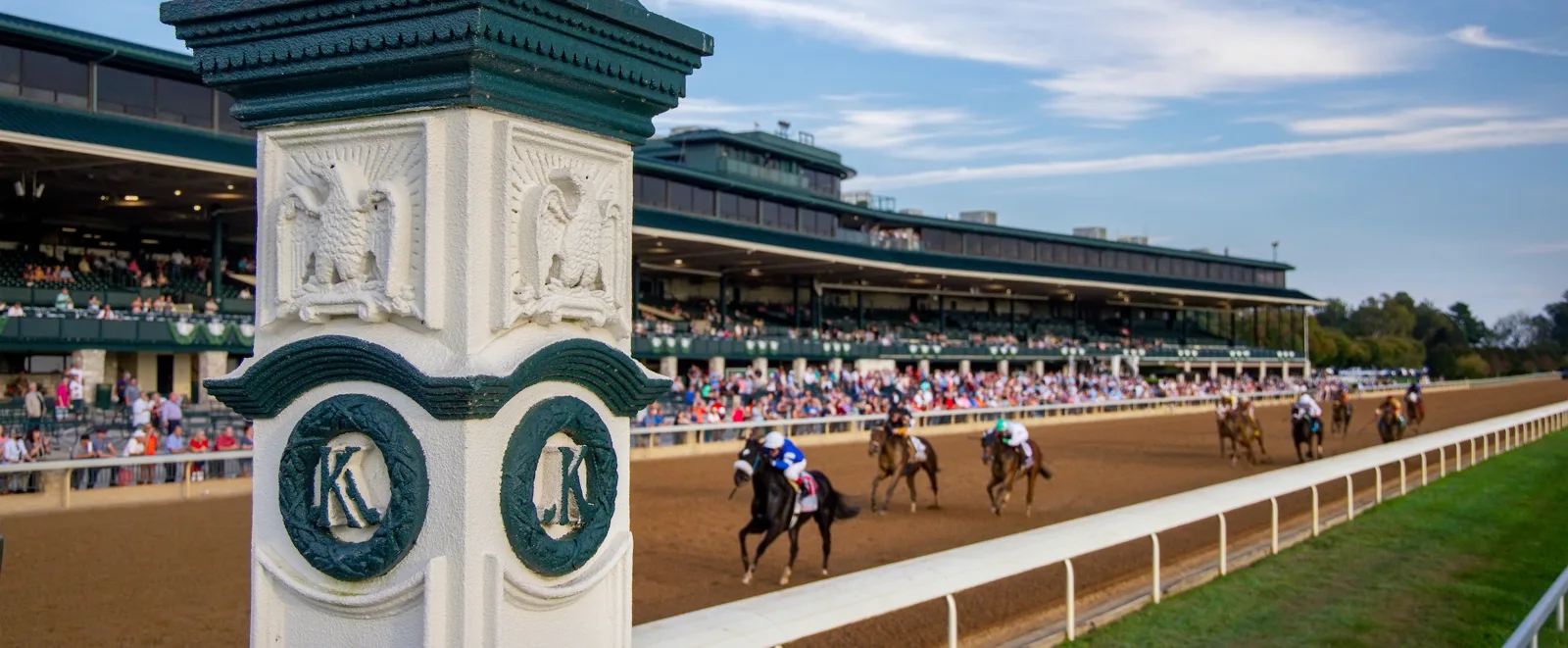
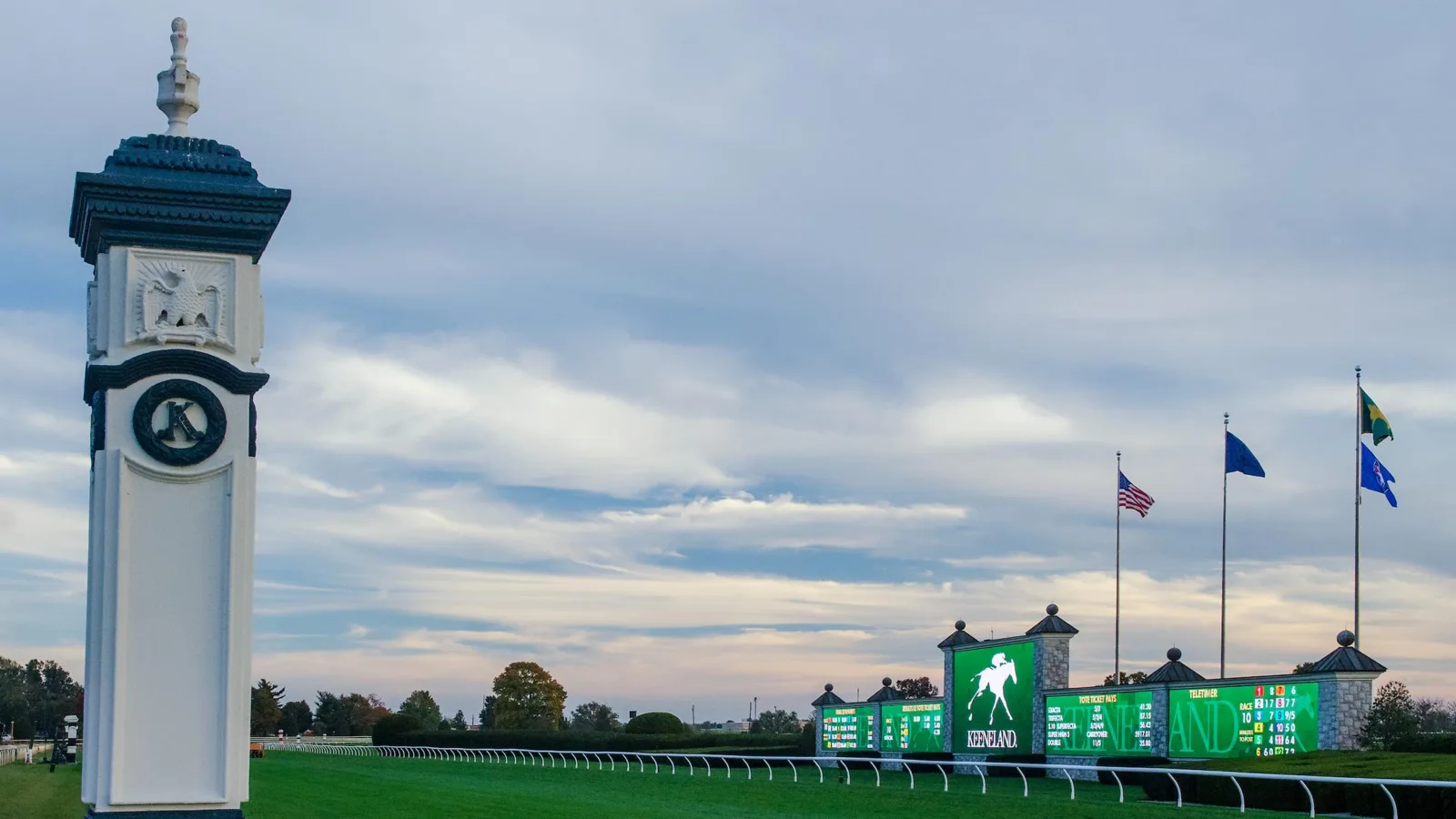
Official coverage can also come directly from the course. Keeneland's live-coverage page, for instance, places its live stream alongside entries, results and post-time resources. That is a different route from tuning a cable channel. Keep the official event destination available even when television is your preferred screen. It gives you a second place to verify the meeting rather than a reason to assume that one service carries every race.
Find the channel number for your Xfinity address
A channel number copied from an old forum message is a starting clue, not a dependable tuning instruction. The useful answer is the number attached to the network in your current household lineup. Even a genuine Comcast channel chart can belong to a different community, an earlier package or an older date. Confirm those details before concluding that a channel has disappeared.
Use your account lineup before a public channel chart
Follow Xfinity's address-specific lineup instructions. Existing customers are directed to sign in to My Channel Lineup with their Xfinity credentials. New customers can inspect available package options by ZIP code, and Xfinity also provides an address-based lookup route. The signed-in view is the more relevant starting point when the question is what your existing service receives.
Search by the network's full name. Try FanDuel TV and FanDuel Racing separately, then the network named in your chosen event's announcement. Record the channel label as well as its number. If the guide offers more than one listing for the same network, inspect which one your television actually opens and whether it is the version you want to watch. Keeping the name beside the number makes a saved note more useful when comparing it with the event schedule.
If a public page shows a wide list of networks, check whether it describes everything sold in the area or the networks included in your household subscription. Those are different questions. A shopping page demonstrates an option; successful access on your account demonstrates what you can presently watch. When in doubt, ask support about the exact network and your service address.
Check the package before paying for an upgrade
Before adding a tier, write down the races or meetings you expect to follow and their announced networks. Then compare those needs against your current lineup. A package described generally as sports entertainment may be attractive, but its name alone does not establish that it solves your racing problem. Ask for the actual included channel list, the resulting recurring bill and any equipment or term changes.
Also decide whether your need is occasional or frequent. Someone watching one major race has a different decision from a fan following several weekly cards. Check the official event's viewing alternatives before treating a cable upgrade as essential. This is a viewing comparison rather than a price recommendation: local offers change, and no package can be judged properly without knowing which coverage matters to you.
Untangle TVG, FanDuel TV and regional sports channels
Horse racing television searches are complicated by familiar names that now lead to different destinations. TVG remains a name many race fans type into search, while FanDuel-branded television, apps and wagering products can appear beside one another. Use the complete product name at each step: the network in your guide, the app you opened and the account you are using.
A horse-betting account is not your Xfinity television account. Likewise, a link offering a race replay is not necessarily a live television feed. The official TVG television page separates provider lookup from wagering access. Its promotional material is useful for understanding the relationship, but the current local guide and the actual program listing are better evidence of what is available to watch today.
When asking for help, avoid saying only that “FanDuel is missing.” Specify whether you mean FanDuel TV, FanDuel Racing, a regional sports network or an app. Describe whether the network is absent from the guide, visible but locked, or playing something other than the expected race. Each symptom points to a different next step. A clear name can save a long conversation about the wrong product.
Why an RSN removal notice does not answer the racing question
Xfinity's regional-channel removal notice dates the removal of FanDuel regional sports networks to May 7, 2026. Crucially, it identifies FanDuel TV as a separate network unaffected by that RSN shutdown. A search result about local baseball, basketball or hockey channels therefore does not establish that a dedicated racing network was removed from your account.
That distinction is narrower than a guarantee of permanent racing carriage. It answers what the regional-network notice means; it does not promise a particular racing format, future schedule or package. When a change is announced, read the exact network name, effective date and provider details rather than borrowing a conclusion from another service with similar branding.
For the viewer, the practical result is straightforward: check the race broadcaster and your local lineup directly. If FanDuel TV is listed and accessible, inspect its current program. If it is absent, ask Xfinity about that network specifically. If your race is assigned elsewhere, follow the event's broadcaster regardless of what happened to a different FanDuel-branded channel.
Watch through Xfinity Stream or an official racing service
The cable box is one viewing route. Xfinity Stream can be another, and an official racing service can be a third. Compare them by the actual race, screen and location you plan to use. Installing several apps immediately before a race usually creates more uncertainty than testing one suitable route earlier.
Watching at home and away from home
Xfinity's Stream overview explains that full subscribed television viewing uses the in-home network, while out-of-home viewing has a different available selection. Compatible devices and subscription conditions also apply. A channel working on your living-room television therefore does not establish that it will work on a phone using cellular data or a television at another address.
Test the arrangement you will actually use. If you expect to watch from a tablet in another room, open the live network there. If you will be away, check eligible out-of-home content before leaving. Do not rely on a successful app sign-in alone: seeing an account screen proves less than playing the relevant live program. Check picture, sound and the live label so an old replay does not pass your test by mistake.
Treat a broadcaster app as a separate access route
Some network websites and apps support television-provider authentication. Xfinity's network-app guidance makes clear that this access depends on participation and the appropriate subscription. A familiar provider logo is useful only when that specific service accepts it for the content you want. Do not assume that an Xfinity login unlocks every FanDuel-branded app or every stream carrying racing.
For a course feed, start from the course's official coverage page. For a network program, start from its announced viewing link. This helps distinguish a continuous track feed from a presented show moving between venues. If following one horse matters most, keep its track and race number visible alongside the stream; an attractive broadcast may be showing another meeting while your runner is approaching the gate.
Finally, read what a free download includes. An app can cost nothing to install while particular coverage still requires an account, a subscription or an eligible location. Decide from the named program's current conditions rather than the download button. Keep your working route simple enough that you can return to it quickly after checking entries or results.
Follow channel switches and major race broadcasts
A racing broadcast can change networks during the same card. Treat each announced time block as its own viewing instruction. NYRA's official television schedule provides a useful model: it identifies television and online windows separately and labels the time zone. An afternoon may include a period on FS2, an official YouTube window and a return to television. A quiet or unrelated program on the original channel need not mean racing has stopped.
Before an important race, make a small note of the network covering its expected post time and the network immediately afterward. That second detail helps if the card is delayed. Keep the event's live announcement available, because published post times and broadcast arrangements can change. When your viewing session begins, inspect the current coverage rather than trusting a channel number saved several months earlier.
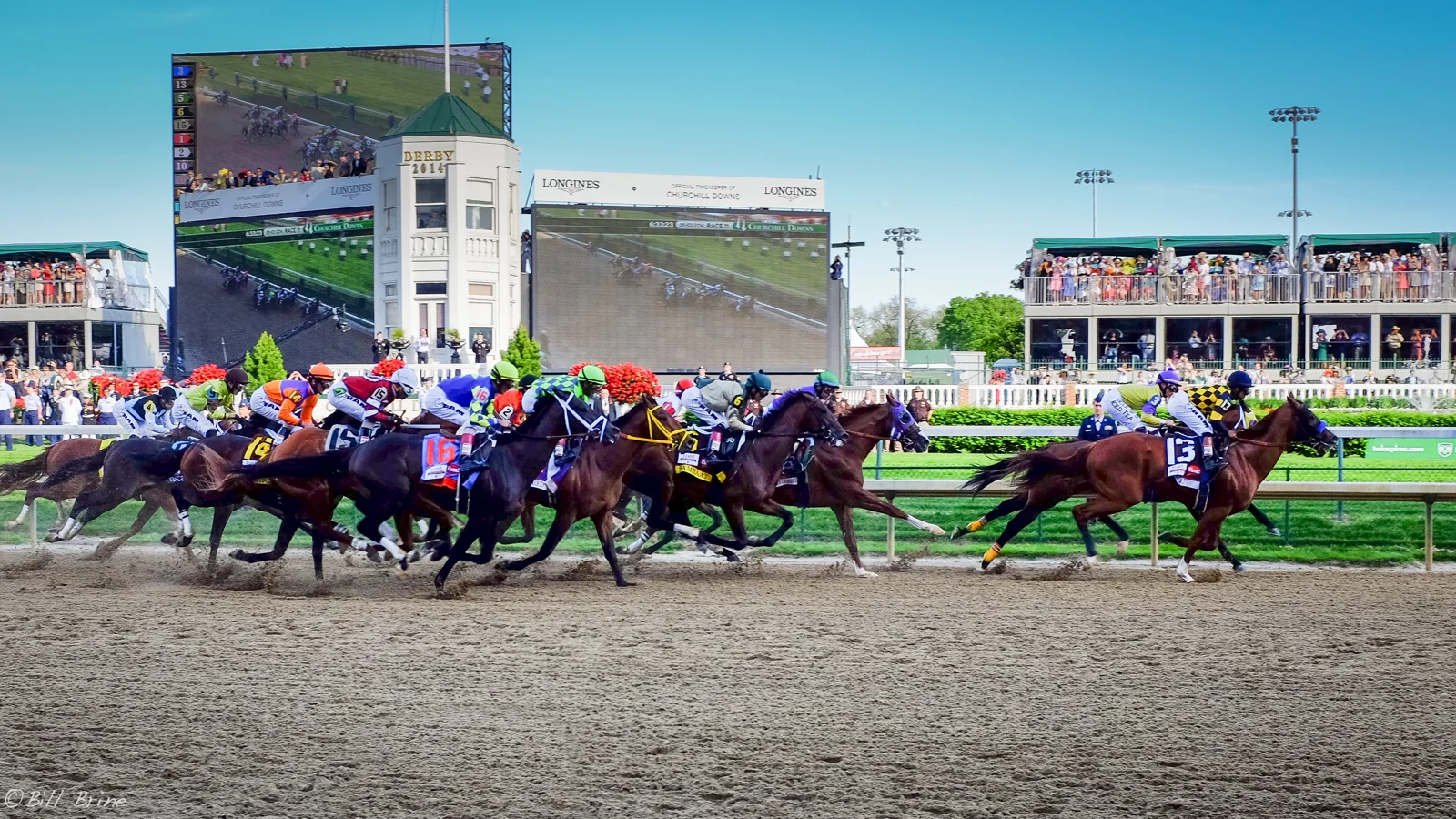
Major festivals deserve an event-specific check. The archived 2026 Belmont Stakes television page illustrates coverage divided among FOX, FS1 and FS2. It demonstrates why a festival is more complicated than one race on one network. Those historic windows should not be reused as the timetable for a subsequent edition, even if the race has the same name and broadly similar place in the calendar.
.jpg)
If you record racing and your subscription includes a suitable DVR service, inspect every relevant program block. A recording attached to one channel cannot be assumed to follow coverage elsewhere automatically. Check the guide's event name, date and scheduled end, then consider a separate recording for the next block. This matters especially when you want paddock discussion, the featured race and the immediate analysis rather than a short highlights clip.
Time zones are another simple source of missed starts. Keep the broadcaster's stated zone beside the race time, then translate it once for your location. Do not mix an Eastern-time program listing with a local course-time reminder and assume they share the same clock. A complete viewing plan needs the correct race, date, network, local channel and access route; solving only the channel number leaves several ways to miss the action.
Fix the most common problems before race time
Start with the symptom. If the network is missing entirely, return to the local lineup and confirm the exact network name. If the network is present but locked, compare your household subscription with its access requirements. If it opens but shows another sport, verify the event's current broadcaster and time block. Repeating an app installation will not answer all three problems.
An “Out of Home” message requires a different check. Xfinity's troubleshooting instructions direct viewers to confirm their actual in-home connection and compare another device or the Stream website. A nearby public hotspot or a phone quietly using cellular data is not equivalent to the home network. Follow the official instructions for your setup, and contact support if the problem persists.
When contacting support, provide the service location, network name, device, time and exact error message. State whether the same network works on the cable box and whether another live channel works in the app. This short comparison gives the conversation a useful starting point. Keep account details within the official support channel; a public racing discussion cannot inspect your subscription.
Make a short race-day viewing checklist
Your checklist should fit on one screen: race and course, race date, expected post time with time zone, announced broadcaster, Xfinity channel number, next coverage window and tested viewing device. Add a recording reminder if you use DVR. Preparing those details is particularly useful when following more than one meeting, because a correct time attached to the wrong course is still a missed race.
Open the program before the horses reach the start and confirm that it is live. If the cable route fails, check our official free-stream listings for an applicable alternative. Read the particular window and provider conditions: a free stream of one program is not a promise of every race on the card. Prefer a legitimate replay later to an unidentified stream that cannot establish what it is showing.
Once you have a reliable setup, save the network names and official schedule bookmarks alongside the local numbers. Recheck them when a new meet begins, your package changes or a broadcaster announces a revised arrangement. That small habit makes following racing easier across the season: you know where to confirm the event, where to verify your access and what to test before the next field goes to post.
Join the conversation
Have a question or a race-day tip to share? Keep it friendly and on topic. Comments appear after review.
No comments yet. Start the conversation.
Sign in with Google to leave a comment.