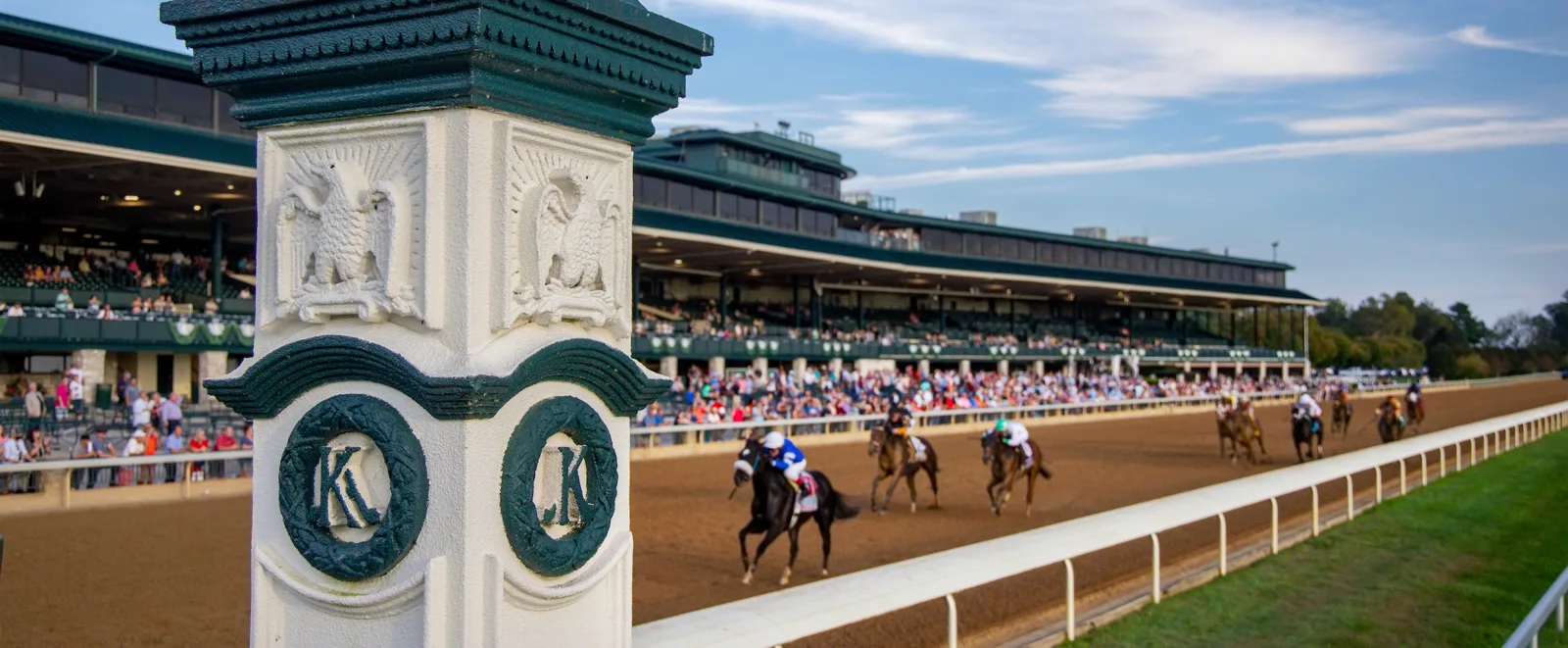
Horse racing TV channels are easier to navigate when you start with the race you want to follow. This guide explains how the main US viewing routes differ, why programme times matter, and how to choose coverage for a particular card.
Why one horse racing channel cannot answer every viewing question
The useful question is not simply which channel shows horse racing. It is which programme covers the race you want, at the time you can watch, through a service you can access. US racing reaches viewers through national broadcasts, regular racing programmes, specialist channels and racecourse video. Their names can overlap on one afternoon without their coverage being identical.
Think of two imaginary viewers. One wants the afternoon’s major stakes, with introductions and post-race discussion. Another wants all nine races at a chosen course, including the early maidens. A programme designed around the featured event may satisfy the first viewer and leave gaps for the second. That is a difference in the viewing task, not a reason to assume either broadcast is faulty.
The Keeneland coverage page illustrates this distinction by listing its own race-day streams alongside selected network windows. The NYRA television page identifies programme times and channels. Read a listing as a statement about a programme, not a promise that the channel belongs permanently to one racecourse.
| Your aim | First information to check | Useful second question |
|---|---|---|
| Watch a major named race | That event’s current broadcast announcement | Is the undercard included? |
| Follow a racing afternoon with analysis | The programme’s daily channel windows | Will the show change channels? |
| Follow an entire course card | The course’s own video instructions | What access conditions apply? |
| Study a completed race | The official replay and result | Am I viewing the correct date and race? |
Channel numbers add another layer: they belong to your television provider’s lineup, while FOX, FS1 or a specialist network is the channel’s identity. Search your own guide by the current name, then read the programme details. A number copied from another provider may be accurate for that customer and useless for you.
Separate live access from highlights, too. A race uploaded later can be excellent viewing, yet it does not establish where the next running will air. Start with the race and its current-year announcement; use this guide to understand the options rather than replace the daily television timetable.
FOX, FS1 and FS2: follow the programme, not just the network
FOX is a network name; FS1 and FS2 are separate channels. When a racing listing says FOX Sports, look one step deeper for the actual channel and programme window. It is easy to have the right family of channels and still miss a race because the show has moved to another one.
What America’s Day at the Races covers
America’s Day at the Races is produced by NYRA with FOX, combining racing coverage and analysis. That makes it a useful starting point for fans who want the race explained as it develops, rather than only the finish. Use the current programme listing to determine the afternoon’s coverage instead of assuming every race held anywhere in the country belongs to that show.
Saratoga Live is another programme name you will encounter on NYRA’s pages. Its official schedule relates to the Saratoga meeting. A September listing retained on that page should not be read as today’s autumn programme just because the player or channel still exists. Meeting dates and programme dates are part of identifying the right broadcast.
The value of a presentation with analysis is the context between races: what changed in the field, why a distance matters, or what the paddock reveals. You need not agree with a presenter’s selection to benefit from the reasoning. Keep your programme beside the broadcast and compare its descriptions with what you can actually see. For a horse you specifically want to watch, also check whether that race falls within the announced show.
Why an afternoon can move between channels
NYRA’s October 10, 2026 listing provides a concrete example: noon to 3:30 p.m. on FS1, then 3:30 to 6 p.m. on FS2, in Eastern Time. That is an example from a specified date, not a rule for every Saturday. The same page says schedules can change and blackout restrictions may apply.
Write down the switch as part of your plan. If you record the programme, a recording set only on the first channel may stop covering the show before the later races. If you watch through an application, confirm that your access includes the second channel rather than waiting until the transition to discover it does not.
NYRA also links official YouTube coverage, but follow the day’s instructions for that route. A channel change and an online programme window are not automatically identical. Its viewing notice says NYRA Now was discontinued on July 6, 2026, so an old app recommendation is not a reliable fallback. The current programme listing is the anchor for both television and online decisions.
NBC and Peacock: look up the specific major-race broadcast
A major-race broadcast is an event appointment. Look for the announcement naming that running, date and viewing window, not just the broadcaster’s racing page. A national show can bring a wider audience to a major afternoon, but its opening time is a programme time rather than the first post for every race on the grounds.
Keeneland’s 2026 Fall Meet announcement demonstrates the pattern. It listed October 3 coverage from 3 to 6 p.m. on NBC, with different NBCSN/Peacock windows on October 2 and 4. The point is the difference across a single weekend: the course, the stakes programme and the television window have to be matched by date. Those historical examples should not become a standing schedule in your diary.
For a championship meeting, read each day’s announcement separately. The Breeders’ Cup viewing page is the organiser’s route to its broadcast instructions. Check whether the listing is final or still awaiting confirmed post times, and distinguish coverage of the featured race from coverage of earlier races. Reusing a previous year’s timetable can get both the channel and the local time wrong.
Network coverage and streaming access are separate decisions
NBC and Peacock are not interchangeable access instructions. One is a television network; the other is a streaming service with its own account and plan conditions. Peacock’s horse-racing page presents paid plans. Receiving an NBC station through a television setup does not by itself establish that your Peacock account has been set up or that the streaming route is free.
Choose the route you can actually use before the featured race. If you have a suitable television service, check its guide for the programme. If you intend to stream, sign in and open the advertised event on the intended device beforehand. A subscription screen discovered at the start of the race is an access problem that a correct channel name cannot solve.
Pay particular attention to coverage boundaries. A fan arriving early to learn about the contenders may want the broader presentation; a fan following a runner on the undercard needs to establish that earlier race’s route too. Ask separately where the main show is carried and where the remaining card can be watched. That gives you a complete afternoon without assuming that one national event announcement covers everything.
FanDuel TV, FanDuel Racing and the old TVG name
A search for TVG often brings together an old television name, a racing account and a newer sports brand. The overlap has a real history: FanDuel dates the television network’s rebranding from TVG to FanDuel TV to September 2022. That explains why a long-time fan still says “TVG” when discussing the channel. It does not establish that every product carrying the FanDuel name offers the same races or the same way to watch. FanDuel’s brand timeline records the change.
Which product are you actually opening?
Identify the destination before sorting out access. FanDuel’s official product catalogue separates its television offering, racing product and sportsbook. A television listing answers what the broadcaster plans to show; a racing account is a different destination with its own conditions. A sports programme inside an app is another viewing experience again. The shared logo is less useful than the exact service name and the programme currently listed. Check the official product descriptions before interpreting an unfamiliar menu.
Imagine a friend tells you that a stakes race “is on FanDuel.” Ask whether they mean the television programme, an individual race video inside a racing service, or an event advertised by the brand. Those answers lead to different screens. If you want a presenter explaining the field, confirm the programme. If you want uninterrupted pictures from your selected course, confirm the track video. This small clarification prevents the familiar race-day frustration of finding the right logo and the wrong show.
How to handle reported changes to television coverage
There is also a time-sensitive reason to avoid old channel guides. Daily Racing Form’s April 1, 2026 report discussed an end-of-2027 horizon for FanDuel TV and preliminary NYRA expansion plans. A later, more direct announcement changed that picture: Flutter’s May 6, 2026 earnings release said it planned to close its FanDuel TV racing network in 2026. The release did not provide a specific final broadcast date in that statement. The earlier report helps explain conflicting search results; it should not be treated as the current operator timetable. Compare the earlier DRF report with Flutter’s later official announcement.
For a race you want to watch now, work from the organizer’s notice for that particular meeting and the provider’s current programme listing. A report about a future change cannot tell you which button will work this afternoon. Equally, a screenshot from several seasons ago cannot settle the lineup next year. Before buying a package for racing, check the named card, the service carrying it and the date of the announcement. Keep a second official viewing route where the track publishes one; the aim is to follow the horses through the transition without treating a familiar channel name as a permanent guarantee.
Direct track feeds and racing services fill a different role
A television programme and a track feed can show the same finish while giving you very different afternoons. The programme selects stories and races for an audience; a dedicated course feed keeps your attention on that course. Neither automatically wins the comparison. The better choice depends on whether you want editorial explanation, continuity across a card or a specific replay.
A full card versus a selected television window
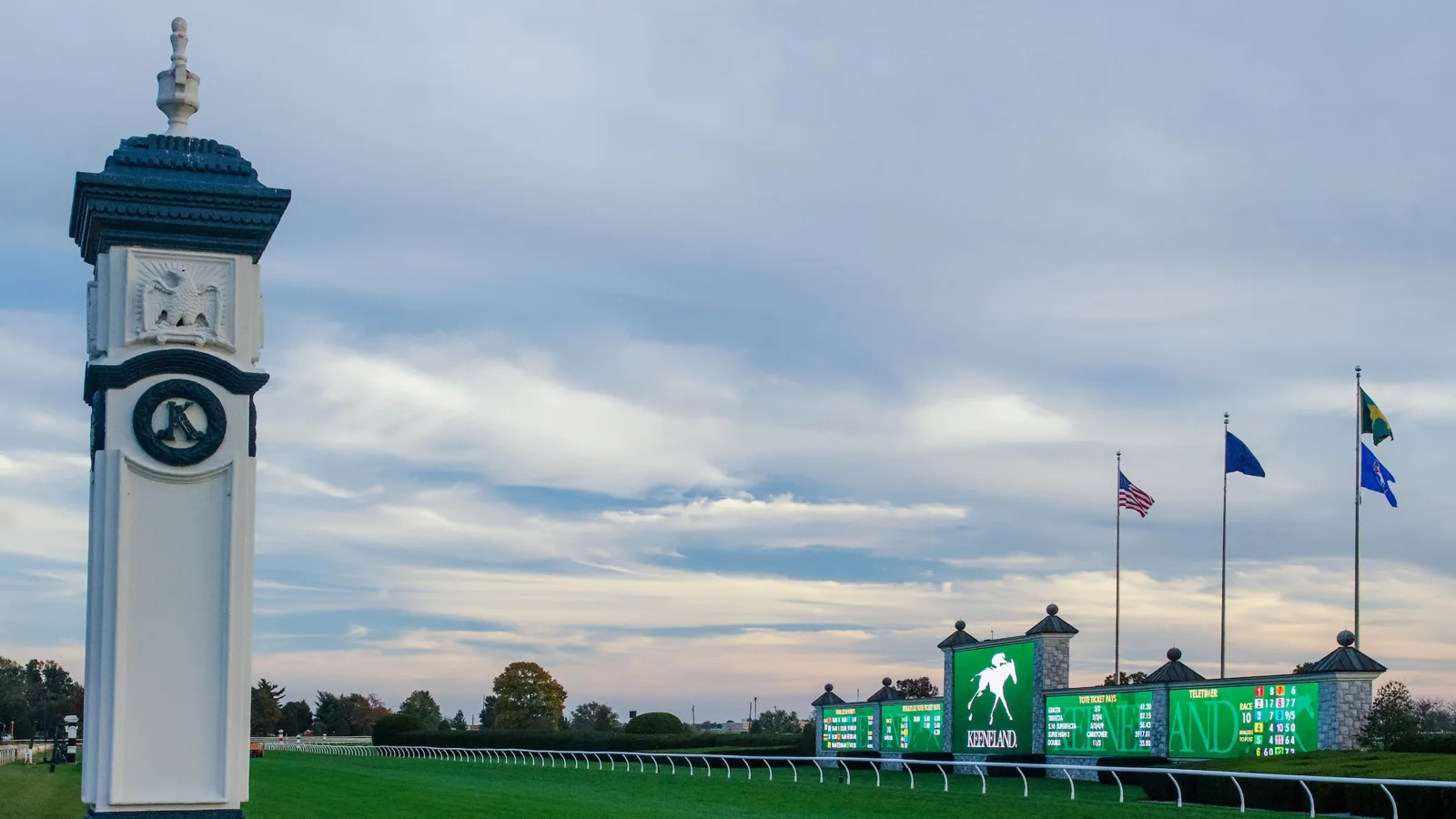
Keeneland provides a useful example because its official coverage page lists full-card YouTube viewing alongside separate national television windows. Those options have different purposes. A national stakes programme can introduce the leading runners and frame their importance, while the full card lets you stay with earlier races that may fall outside that window. Compare Keeneland’s published viewing options.
Suppose your main interest is a horse making its second start in an early maiden race. A programme built around the afternoon’s feature stakes may not be the route to choose for that one runner. Start with the course’s own published viewing page and confirm the race number. If your interest is the championship picture, the selected broadcast’s interviews and analysis may be more valuable than keeping one course on screen between races. This is a choice about what you want to learn, rather than a contest over which service displays more logos.
For uninterrupted viewing, check the actual card coverage rather than the word “live” in a search result. It can describe a preview, a single stakes broadcast or a full meeting. Keep the course name and date visible as you switch; two different tracks can both be approaching Race 5. That shared number does not identify the same race.
Account-based video and dedicated subscriptions
Racing services add another route. TwinSpires advertises live Thoroughbred, harness and Quarter Horse video free with registration. Registration remains a condition: it is different from an open player that anyone can immediately view. Confirm the service’s current access requirements and the availability of your selected track before relying on it. Read the provider’s live-video description.
RTN, the Racetrack Television Network, directs visitors to available simulcasts, a simulcast schedule and subscription packages, with separate instructions for Roku and Fire TV. Its current listings are the place to establish whether a package fits the cards you follow. A low advertised price elsewhere says little if your chosen track or device is absent from the actual offering. Check RTN’s official package information.
Choose a paid route because it solves a specific viewing need. Write down the tracks you follow, the device you use and whether replay access matters. Compare that list with the provider’s offer and the course’s official alternatives. A new fan following one meeting and an experienced viewer moving between several cards may reasonably make different choices; neither needs to open a betting account simply to demonstrate enthusiasm for the sport.
Build a race-day viewing plan you can actually use
The most useful channel guide ends with a decision about your race. Keep a short viewing plan: the course and date, the race you care about, its expected start, the programme or feed carrying it, and the access needed on your device. You can make that plan without predicting a winner or subscribing to every racing service.
Start with the track, meeting and target race
A track is the place, a meeting is a run of racing dates, and an individual race occupies a position on one day’s card. Begin with today’s horse racing schedule to identify the card, then follow its races to the one you want. “Keeneland in October” narrows the season, but it still does not identify a particular afternoon or race. The date and race number are what help you select the right pictures.
Next check the published television schedule. Read the programme’s start and finish together. If your selected race is earlier than the listed window, find the official course feed rather than assuming the network will show it. If the programme changes channel halfway through, note the handover before sitting down. The channel name answers only one part of the problem.
Use the stated time zone for the particular date. NYRA labels its programme times Eastern and warns that schedules can change and restrictions can apply. Those qualifications matter when you plan around a race from another part of the country. Convert the date’s time correctly, and keep both the course’s time and your local time in view. The official programme listing is preferable to an old social-media screenshot.
Finally, look at late changes if you are following a particular horse or rider. Keeneland’s official changes page lists scratches and rider substitutions by race. A scheduled entry can change before the start; identifying your runner from an earlier preview alone can leave you waiting for a horse that is no longer in the field. Read the course’s race-day changes.
Choose commentary, continuity or a replay according to your purpose
For a newcomer, the best screen may be the one explaining why a particular matchup matters. For a regular follower of one course, uninterrupted card coverage may matter more. For someone reviewing a performance after work, a replay and the official result are often more useful than a long recording of an afternoon programme. Match the format to the question you want answered.
During the race, concentrate on the horses rather than the apparent immediacy of the player. An internet video is not a reliable clock for time-critical decisions. After the finish, distinguish what the camera appeared to show from the official placing, especially when an inquiry or objection is involved. Use the race results page to continue from the pictures to the published outcome.
Save the organizer’s current viewing page and one appropriate alternative before race day. That gives you a way to respond when a television window ends, a login fails or your interest shifts to an earlier race. A useful horse racing channel plan is specific enough to get you to the right card and flexible enough to keep you following it when the programme changes.
Join the conversation
Have a question or a race-day tip to share? Keep it friendly and on topic. Comments appear after review.
No comments yet. Start the conversation.
Sign in with Google to leave a comment.