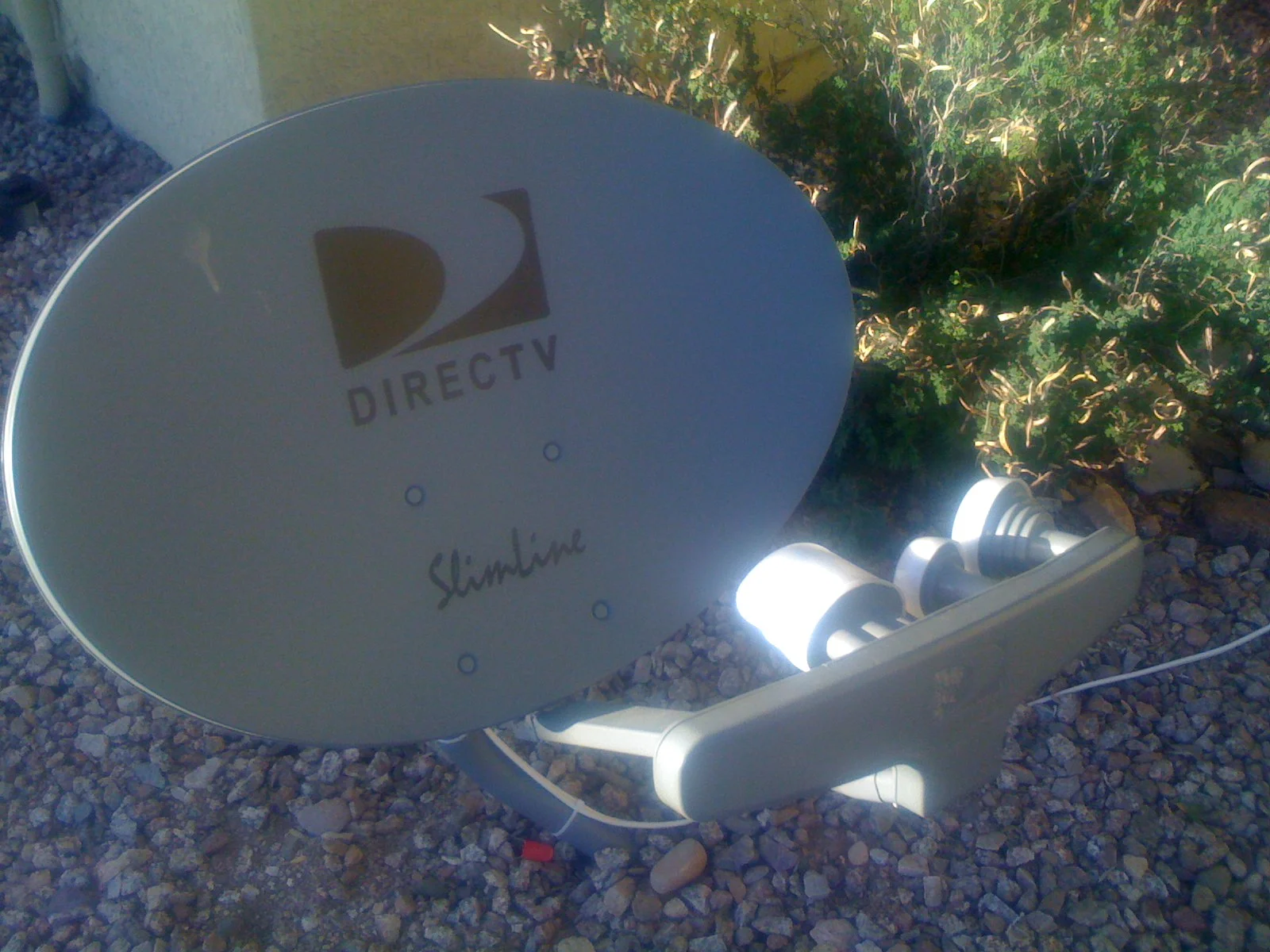
DIRECTV's public guide lists FanDuel TV on channel 602 HD, but finding a number is only the first step. You also need the right service, package and broadcast for the race you want. Checked October 11, 2026, this guide explains those decisions and an important qualification: Flutter announced plans to close its FanDuel TV racing network in 2026. Confirm current access before changing a subscription.
FanDuel TV is listed on channel 602 HD
For the familiar national racing channel formerly called TVG, start with 602 HD. DIRECTV's official FanDuel TV guide page lists that number when checked on October 11, 2026. This answers the channel-number question. It does not establish that your particular package includes it, that every DIRECTV product offers identical access, or that every race you want is on the channel.
Look up the channel by name as well as number in your own guide. A number gives a quick route on a receiver, while a name search helps when you are viewing through an app or a filtered channel list. If you reach the right network but see a different sport, check the current programme rather than assuming you found the wrong station. A channel carrying racing can also carry other coverage between racing blocks.
There are three separate checks: whether the network is in the provider's lineup, whether your account has access, and whether the programme at that moment covers your race. Think of them as the station, the ticket and the timetable. Finding the station does not supply the other two. That distinction saves a common mistake: upgrading a package when the real problem is that the feature race is on a different broadcaster.
Why older guides call the channel TVG
FanDuel's official company history dates the TVG network's rebrand as FanDuel TV to September 2022. A friend who tells you to “put TVG on” may therefore mean the television channel now listed under FanDuel TV. Older bookmarked pages, race discussions and screenshots can preserve the previous wording long after the guide label changes.
The old name is useful context, not a separate guarantee about products. A TVG-related betting page and the television network may appear in the same search results because of their history. Opening one does not mean you have opened the other. When your task is watching through DIRECTV, stay with the provider's channel guide until you have confirmed the channel and the programme. You do not need to solve every brand relationship just to find the race.
For someone helping a relative remotely, give both pieces of information: “Search FanDuel TV; DIRECTV's public guide lists 602 HD.” Then ask whether it appears in their own guide and what programme is shown. That is more useful than repeating the old channel name or promising that a familiar package from several years ago still covers every device. The current screen in front of the viewer is the next thing to check.
Check the DIRECTV service and package you actually have
“I have DIRECTV” is not enough information to settle a channel-access question. DIRECTV's channel-lineup support page provides separate routes for satellite service, streaming over the internet and MyFree DIRECTV. It also links older satellite package lineups. Start with the route matching your service, rather than a package chart a friend saved for a different setup.
The provider's current packages page distinguishes satellite with a device, streaming with a device, and an app-only internet option. Those delivery choices matter when you are comparing what appears on the television with what appears on a phone. An internet connection or a DIRECTV-branded app does not by itself establish which subscription you hold.
Use your own channel guide before changing packages
Open Guide on the device you intend to use and search for FanDuel TV. DIRECTV's support instructions identify Guide as the place to view channels on a phone, computer or television. Check whether the guide is filtered to favourites or another subset before declaring a network missing. Then compare the result with the lineup for your account's actual package. If the screen asks for an upgrade, confirm with the provider which change would supply the channel.
A reader with an older satellite package faces a different decision from someone choosing a new streaming plan. The first needs to check an existing entitlement; the second needs to inspect an offer before purchasing it. Neither benefits from a blanket “buy this package” recommendation based on a dated promotional article. Preserve the package name from your bill or account page, and use that exact name when asking support about access.
Make the question race-specific as well: which network will carry the meeting you follow? If your purpose is a few major races a year, adding a daily racing channel may not solve the actual viewing need. If you enjoy routine afternoon cards, consistent access to that channel may matter more than a package's total channel count. Decide what you need to watch before judging whether an upgrade offers value.
FanDuel TV is not FanDuel Sports Network
Similar branding creates another trap. FanDuel Sports Network was the name applied to the former Bally Sports regional networks in 2024, a change described in the Associated Press's report. That history is different from TVG becoming FanDuel TV. Do not assume that a regional-network subscription or an old regional app supplies the national racing channel listed at 602.
Check the full network name and its intended programme, not only the FanDuel logo. A regional-team listing, a racing broadcast and a betting account can all carry familiar branding while answering different needs. If you are following a horse race, look for the event or racing programme in the provider's guide. That gives your choice a sporting purpose instead of asking a brand name to stand in for proof of coverage.
The biggest race on your calendar may be on another channel
.jpg)

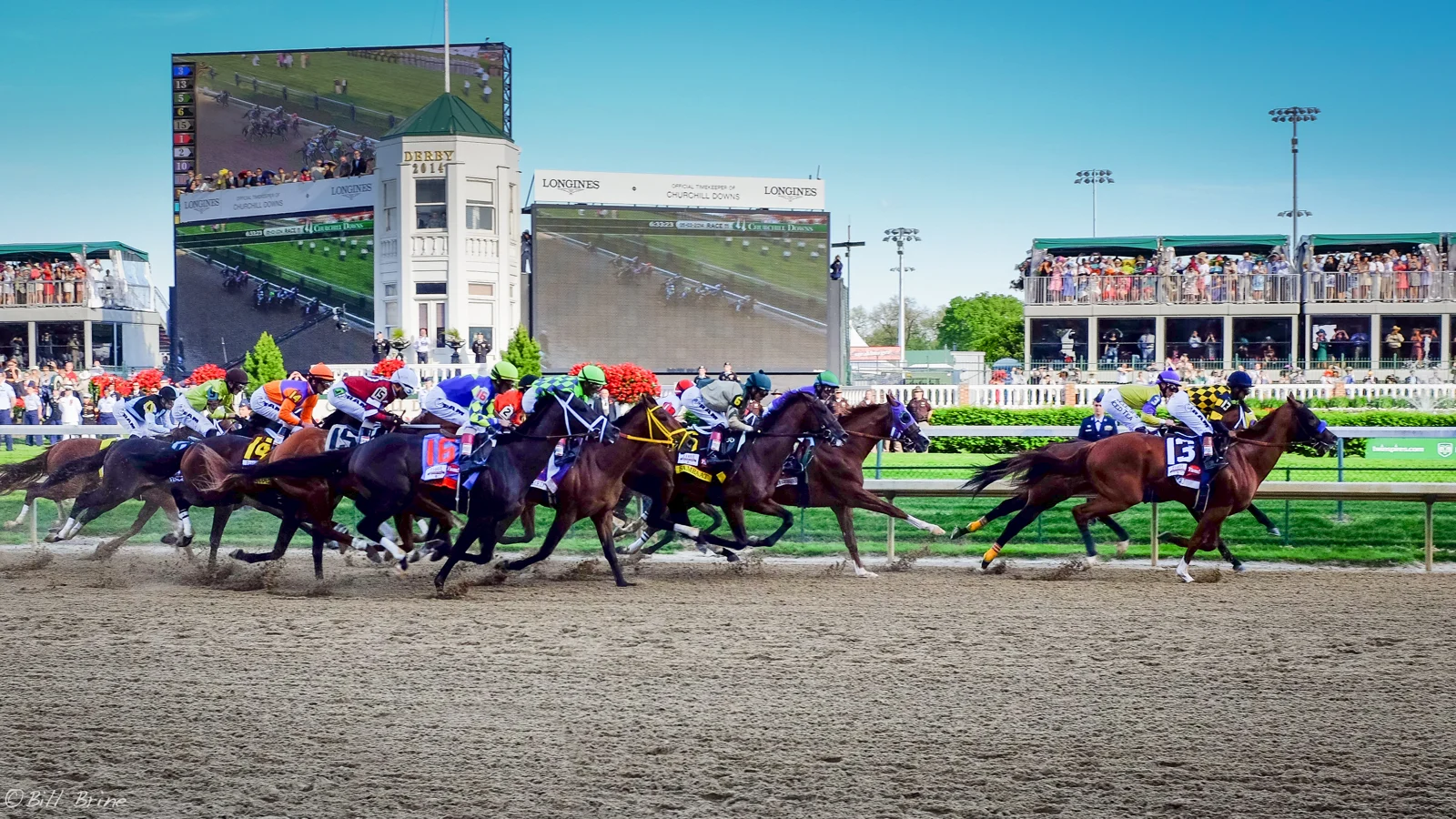
The answer to “where is the racing channel?” can differ from the answer to “where is the race I want?” Daily racing coverage and the broadcast of a major event are separate viewing questions. Start with the event's name and date, establish its announced broadcaster, and only then look for that network in DIRECTV. This prevents a familiar channel number from becoming an assumption about every important race.
NYRA's Saratoga Live television information identifies FOX, FS1 and FS2 as outlets. DIRECTV's published channel lists place FS1 on 219 and FS2 on 618. These are useful lookup numbers; they do not establish that either channel is included in your particular subscription, or that the race you want is on either one today.
| Network to look for | DIRECTV lookup | What still needs checking |
|---|---|---|
| FanDuel TV | 602 HD | Your package and that day's programme |
| FS1 | 219 HD | The published racing coverage window |
| FS2 | 618 | Any change between programme blocks |
| NBC | Check your local station | Local availability and the event announcement |
The 2026 Kentucky Derby gives a concrete historical example. NBCUniversal's announcement placed the May 2 opening coverage at noon Eastern on Peacock and NBCSN, followed by NBC and Peacock coverage starting at 2:30 p.m. Eastern. That dated arrangement shows why a full afternoon at Churchill Downs could require attention to more than one outlet. It is not a timetable for next year's Derby.
A programme's starting time is also not the individual race's post time. A television block may begin with interviews and earlier races; the featured race can be much later. For planning, keep two entries: when coverage begins, and when your selected race is scheduled. If you only save the latter, you may miss paddock observations or a change of network announced during the preceding broadcast.
Use our horse racing TV schedule to locate coverage, then compare it with the provider guide for your own account. When two sources disagree, check the organiser or broadcaster's latest dated announcement. Do not substitute a race replay, a discussion show or a generic “live racing” listing for confirmation of a specific event. For a fan following one horse, that last distinction matters more than the size of the package.
Watch through the app without confusing viewing and wagering
A race-day viewing plan needs to work on the device you will actually use. Finding FanDuel TV on the living-room receiver does not prove you can watch the same programme on a hotel television. Before travelling, open the DIRECTV app on your intended device and check the relevant channel with your own account. Do this while there is time to resolve a problem rather than when the horses are approaching the gate.
DIRECTV's app installation instructions point viewers to supported app stores and require a DIRECTV user ID and password. They describe U.S. mobile viewing, with territorial exclusions, and warn that some television devices may be limited to the home network. A phone, a connected television and a receiver therefore need separate checks; do not assume success on one settles the others.
Its app viewing support page says programming and features depend on the account and package, with out-of-home limits. Recording access also differs between services. If you intend to save a long racing broadcast, inspect your own recording options and confirm the programme appears in your library. A promise about another customer's cloud recorder is a poor substitute for checking your equipment.
For a practical rehearsal, choose an ordinary programme on the network you expect to need and confirm that picture and sound play. Then locate the forthcoming racing programme in the guide. These checks answer different questions: the first tests access now, while the second tests whether you have identified the right future broadcast. Leave enough time on race day to repeat the schedule check, especially when coverage moves between outlets.
A subscription login is different from a betting account
FanDuel's official products page presents FanDuel Racing, FanDuel TV and Sportsbook as distinct offerings. Its catalogue also distinguishes TV+ and TV Extra from the main network. These product descriptions do not prove current viewing access. Similar branding does not make every app the same product or every video the same broadcast. Check the specific service's current access information before choosing a route.
If the purpose is watching through DIRECTV, begin with DIRECTV's sign-in. If you choose a separate official viewing service, read that service's access requirements. Do not assume that opening or funding a wagering account is the necessary next step when a television channel will not play. Identify whether the message concerns a television subscription, a device, a location or a separate racing account before responding.
A fan can follow paddock coverage, race tactics and replays without treating every viewing choice as a betting choice. Keep the two decisions separate in your planning: first establish an authorised way to watch the race, then consider any other activity on its own terms. That makes the channel guide easier to use and stops a simple television question from turning into an unnecessary account change.
Solve a missing race before paying for more television
When the expected racing picture is missing, resist the urge to buy the first upgrade displayed. A missing channel, a programme showing something else and a stream that fails to load describe different problems. Write down which one you have. That short observation helps you choose the right next action and gives support a clear question if you need assistance.
Check the programme, the channel and the account in that order
First confirm the race and its broadcast window. Check the date, the time zone and whether you are reading a live listing or a replay listing. If the network is broadcasting a studio programme rather than the expected meeting, an extra subscription will not alter that schedule. Return to the event's announced viewing information and look for a different outlet or later coverage block.
Next search the full guide, not only your saved favourites. DIRECTV's favourite-channel support instructions describe different controls for a Gemini device and a receiver. A channel omitted from a personal list is not necessarily absent from the service. Use the instructions matching your device rather than applying a remote-button sequence from a different model.
Then check your account's package and the message on screen. “Not subscribed” points toward entitlement; a frozen picture or app crash calls for a different investigation. DIRECTV's support hub separates missing channels, connection issues and viewing help. Save the exact message and identify the device when contacting support. A description such as “FanDuel TV on my television asks for an upgrade, but the guide lists channel 602” is more useful than “the racing does not work.”
If a connection problem threatens a race you wanted to study, look for an official replay after the event. Our results pages can help identify the exact track, date and race number. That will not restore the excitement of live viewing, but it preserves a useful way to follow the horse and check what happened without making a hurried purchase.
Treat old prices and future channel changes cautiously
There is a particular reason to recheck FanDuel TV before making a long-term commitment. In its May 6, 2026 earnings release, parent company Flutter stated a plan to close its FanDuel TV racing network in 2026. The public DIRECTV guide still listed channel 602 when checked for this article on October 11, 2026. A directory listing does not prove today's playback or establish the final closure date. Verify current availability with the provider and broadcaster.
Similarly, an old package price may omit an introductory period, a later rate or equipment charges. Compare the total arrangement you are offered today, including the channels you need and how long you need them. Ask what happens to the package if the specific racing service changes. A cheap offer is of little use if it lacks your intended coverage.
Keep a short viewing note for the meeting you follow: race date, official broadcast page, network, provider guide entry and an authorised replay option. Revisit it when the next meeting begins. This keeps the guide centred on horses and racing rather than on a channel name that may evolve. The useful answer is the route that gets you to your chosen race on your own device, with access you have actually confirmed.
Join the conversation
Have a question or a race-day tip to share? Keep it friendly and on topic. Comments appear after review.
No comments yet. Start the conversation.
Sign in with Google to leave a comment.